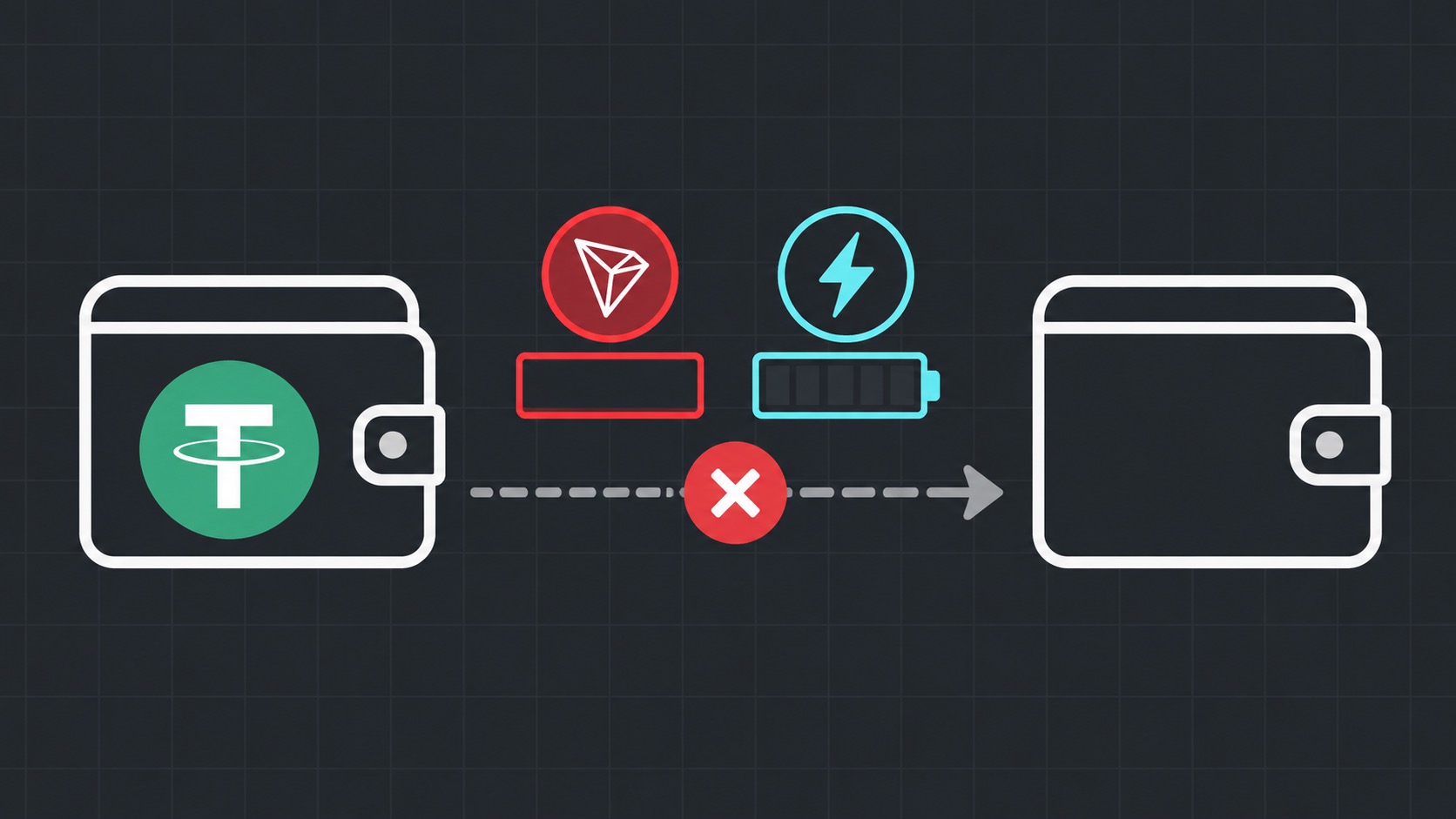
Identify the sender and recipient
Select the TronLink account holding your USDT on TRON mainnet. Copy its public address from the receiving screen. Separately obtain fresh USDT TRC-20 deposit instructions from the recipient. Never substitute a token contract address for a wallet address.
For a transfer from account A to account B, rent Energy for A. Buying it for B will not cover A’s computation. A new account may need activation first: delegation does not activate it.
| Information | Use |
|---|---|
| Your address A | Energy delivery destination |
| Recipient B | USDT destination and transfer estimate |
| Seed or private key | Never share with a rental service |
Estimate resources and total cost
Use the EZ Energy calculator for the actual recipient. Common 65K and 131K profiles are estimates rather than permanent requirements. For several transfers, plan the combined demand instead of treating one package as unlimited.
Compare the complete rental quote and any remaining resource costs with the wallet estimate. Energy does not replace Bandwidth. A remaining TRX charge is not automatically a delivery failure.
Verify delivery before sending
Review the sending address, amount, duration and final quote on EZ Energy. A historical price is not a current offer. After purchase, check the order status and available resources for that same address in TRONSCAN. Funding your service balance alone does not deliver Energy.
Use the resource within the rental period. If delivery is unclear, do not repeatedly buy the same order: contact support with the order number, public address and time. No seed or private key is needed.
Refresh the transfer and check its result
Return to TronLink, choose the token, recipient and amount, and refresh any confirmation opened before delivery. Verify the address and final fee again. If using a hardware device, review the transaction there too.
After signing, save the TXID and inspect the actual token movement and result in TRONSCAN. If it failed, establish the cause before retrying. A successful on-chain transfer and an exchange balance credit are separate events.
FAQ
Must I connect TronLink to receive rented Energy?
Resource delivery needs the public activated sending address, not a seed, token allowance or change to account permissions.
Why is a TRX fee still shown?
Check delivery, remaining Energy, Bandwidth and whether the displayed estimate predates delivery. Do not approve an unexplained charge.
Sources
Technical facts are checked against official TRON documentation. Resource use can change with network and contract state.
TronLink: transfer and receive ↗TRON resources ↗Resource delegation ↗