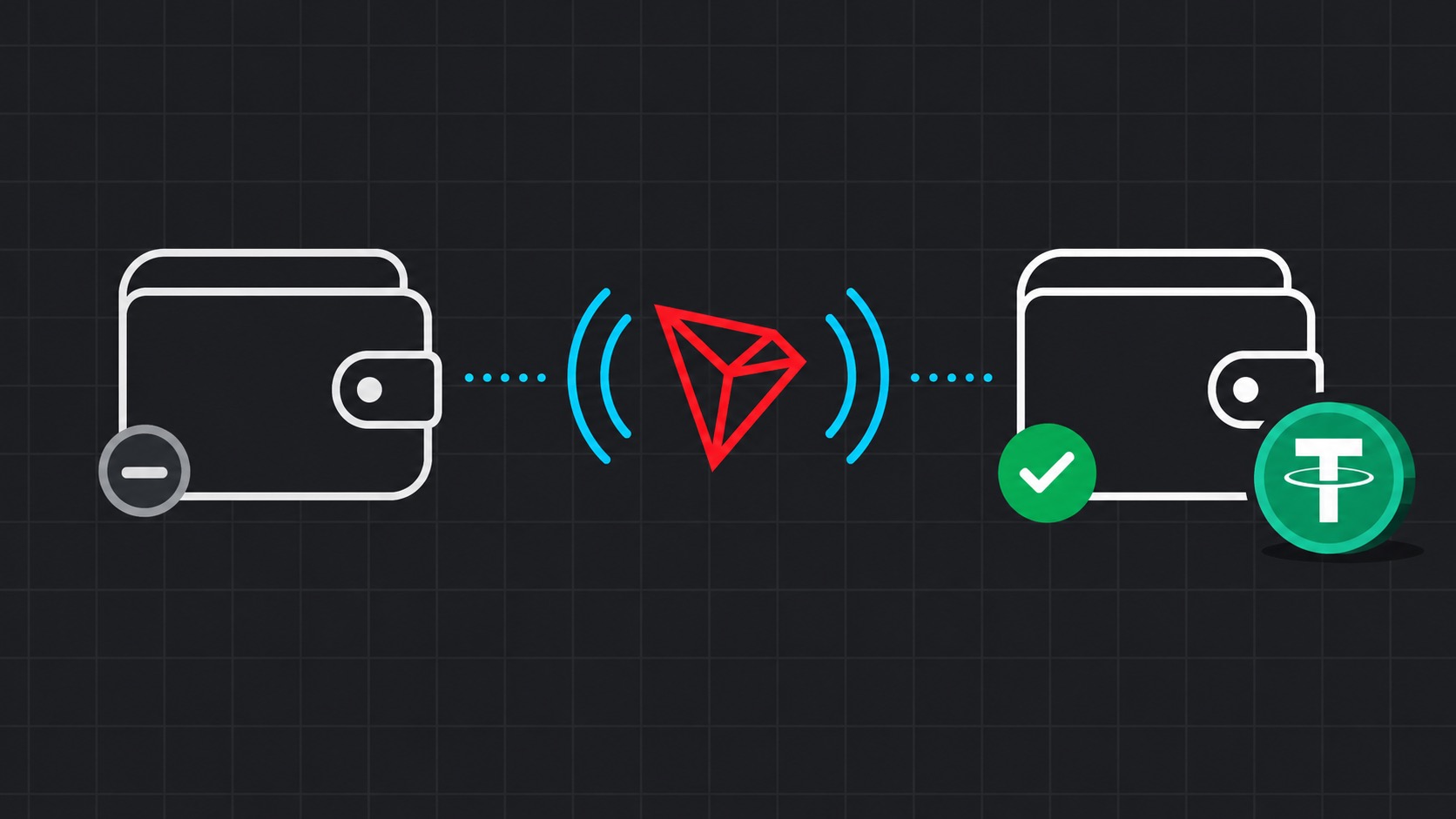
Check whether the account is active
Search the public address on Tronscan. “Account not found” or an inactive-account notice means the network has not created its account record yet. This is different from an active account with a zero balance.
A public address is enough for this check. Never provide a seed phrase or private key.
Use a normal activation method
A common method is receiving a small TRX transfer from an active account. The sender covers the account-creation fee and any Bandwidth cost required by the network. Some wallets also expose a dedicated activation action.
- Verify the address and TRON network twice.
- Do not send assets on another network to activate TRON.
- Wait for confirmation and check the account again.
Activate before renting Energy
Energy is delegated to the active address that will send USDT. Activate it first, then analyze the address and place the Energy order. Recipient activation and sender Energy rental are separate operations.
FAQ
Can an incoming USDT transfer activate a TRON address?
A small TRX transfer from an active account is the most predictable approach. Do not assume every token transfer will activate the account.
Why can’t Energy be delivered to a new wallet?
Delegation requires an account that already exists in TRON network state.
Is activation the same as funding?
No. Activation creates the network account record; funding changes its balance.
Sources
Technical facts are checked against official TRON documentation. Resource use can change with network and contract state.
TRON account model ↗Account activation ↗