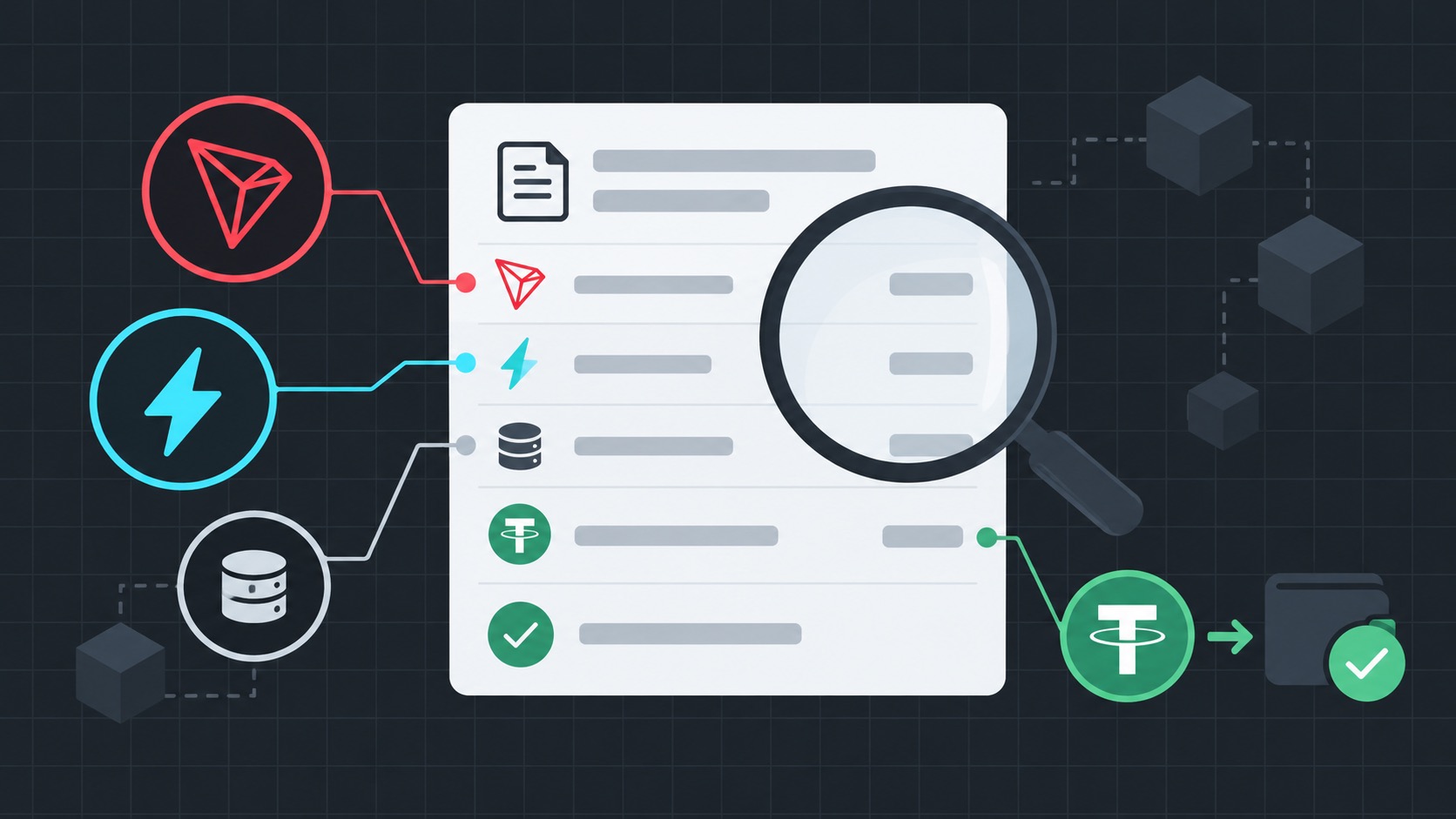
Open the correct transaction
Copy the transaction hash from the wallet and search it on Tronscan. You can search the address too, but the hash opens the exact record. Verify sender, recipient, time and contract type.
Read the important fields
Status tells you whether execution succeeded. In the receipt or resource section, inspect Energy Usage, Bandwidth Usage and the actual Fee. A zero Fee can still accompany substantial resource usage when prepaid or delegated resources covered it.
- SUCCESS means the contract completed.
- FAILED or OUT_OF_ENERGY requires receipt review.
- Fee is burned TRX, not the market price paid for rented Energy.
Compare total cost correctly
Network Fee and rental price are separate. Rental is paid before the transaction; the transaction then consumes delegated Energy and may show little or no TRX burn. Compare all real costs of each route.
FAQ
Why is Fee zero when Energy was consumed?
Energy is a network resource. If enough was available, the contract can execute without burning TRX.
Where is the failure reason?
Open the status and transaction receipt for an execution code such as OUT_OF_ENERGY or REVERT.
Are failed transaction fees refunded?
Resources already consumed or TRX already burned are generally not refunded.
Sources
Technical facts are checked against official TRON documentation. Resource use can change with network and contract state.
TRON transactions ↗Transaction information API ↗