
Wallet AML checks
Screen a public wallet address for sanctions exposure and other risk indicators before accepting or sending crypto.
Open AML checkWho it is for
For people dealing with a new counterparty and teams that need a record of their screening.
How to use it
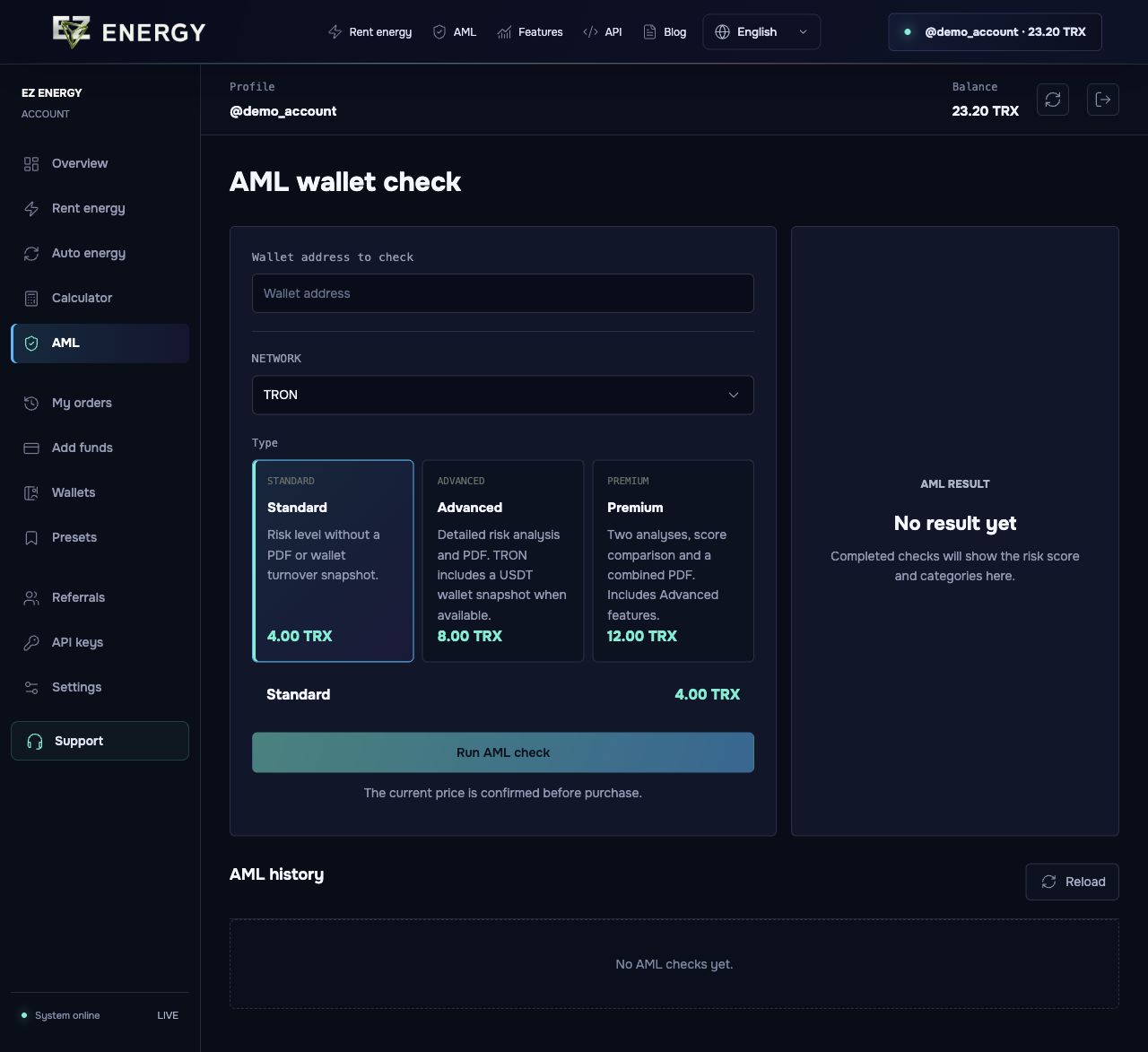
Choose the network, paste the public address and compare the screening tiers before paying. Open the result in your account. Advanced and Premium checks include a PDF.
What to check
The report reflects the available data at the time of the check. It does not guarantee exchange acceptance or replace counterparty due diligence.
Standard
Risk level without a PDF or wallet turnover snapshot.
Advanced
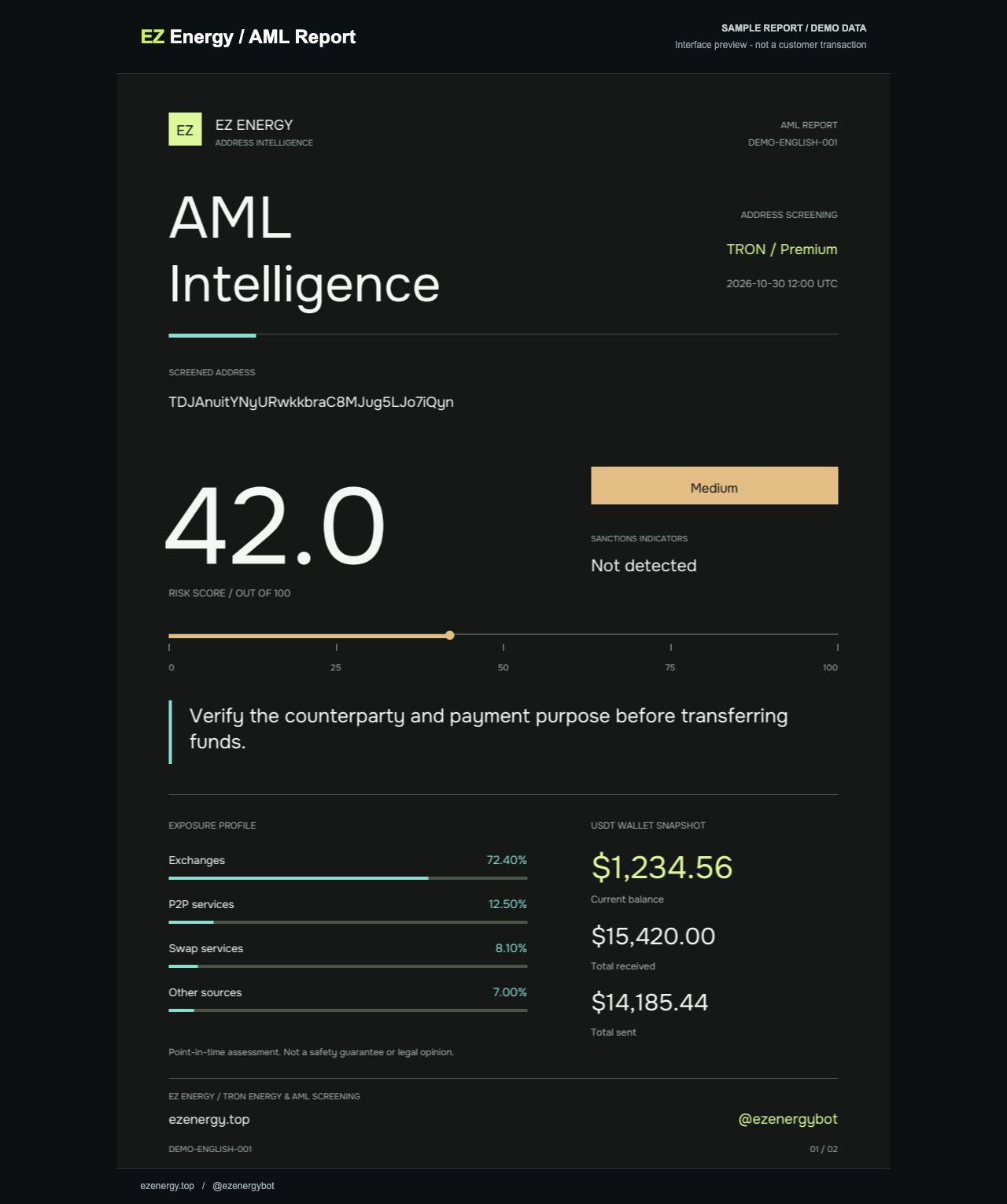
Detailed risk analysis and PDF. TRON includes a USDT wallet snapshot when available.
Premium
Two analyses, score comparison and a combined PDF. Includes Advanced features.
Screens from the account
English demo. The prices and data shown are examples.
Which AML tier should I choose?
Use Standard for a quick score in the account, Advanced for detailed risk factors and a shareable PDF, and Premium to compare two analyses in one report. Investigate differences instead of assuming that one result is wrong.
What should I look at besides the score?
Confirm the network, full address and report date. Then review the factors behind the score. If the result is unexpectedly high, pause the transfer while you clarify the source of funds and the receiving platform’s requirements.