
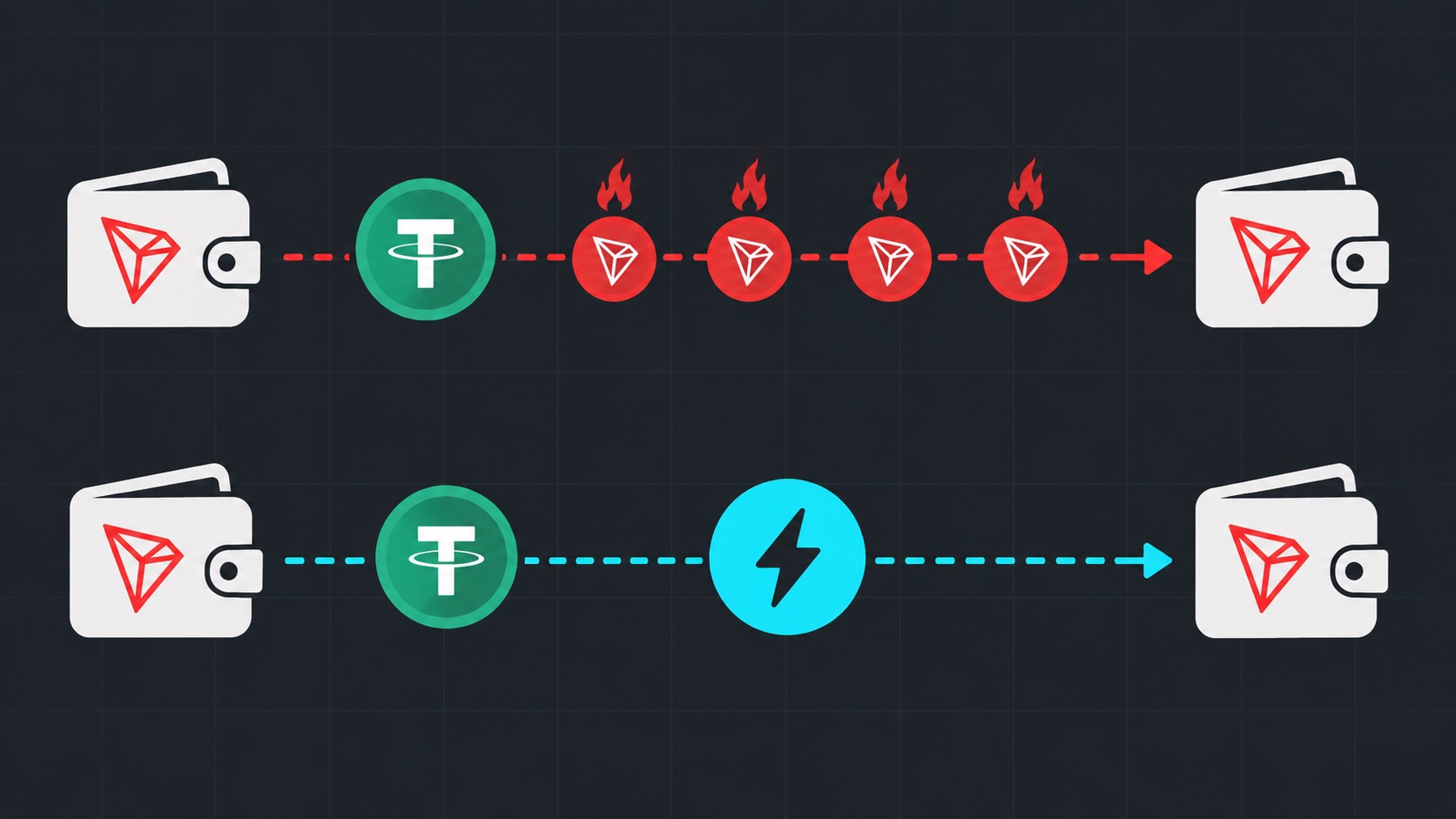
Confirm the token and account
Select USDT on TRON, not an identically named token on another network. Copy this account’s receiving address and verify that it is the account from which you will send. Multiple wallet accounts can have different addresses.
The recipient of your tokens is not the recipient of rented Energy. Computation is paid by the sending account. Renting for an exchange deposit address will not cover a transfer from your own account.
| Situation | Next step |
|---|---|
| USDT on another network | Use that network’s fee instructions |
| Built-in rental offered | Review complete cost and payment asset |
| External Energy already purchased | Check delivery and refresh estimate |
| Unexplained total | Do not sign until understood |
Choose one resource purchase route
Trust Wallet documents a built-in resource rental flow for TRON transfers. Availability and labels can vary with app version and the transaction. Read the confirmation on your device rather than assuming a particular button is always available.
The built-in route may be suitable when its full cost works for you. External rental should be evaluated as an alternative. An EZ Energy order does not automatically disable another application’s paid rental offer.
Compare quotes and verify external delivery
Estimate the actual recipient in the EZ Energy calculator. Compare the complete external quote, including possible remaining Bandwidth costs, against the wallet’s total. Do not use a fixed rate copied from an article.
For an external order, provide your activated sending address, amount and duration. Verify delivery in your order and in TRONSCAN, then reopen the wallet confirmation. If a separate rental is still offered, check what it charges for before accepting.
Troubleshoot without repeated payments
Match the delivered-to address with the sender, check mainnet, expiry and whether resources have already been consumed. A watch-only account cannot sign merely because it received Energy. Renting resources does not grant control of an address.
When an order is unclear, contact support with its number, public address and time before buying again. If USDT was already sent, check its TXID first. A new resource order cannot reverse that transfer or accelerate an exchange’s internal credit.
FAQ
Must I import my seed into a different wallet?
No. Delegation is delivered to the public activated TRON address. It does not require seed import or a USDT spending allowance.
Is external rental always cheaper?
No. Compare fresh complete quotes on matching terms. This guide does not promise savings.
Sources
Technical facts are checked against official TRON documentation. Resource use can change with network and contract state.
Trust Wallet: TRON transfers ↗TRON resources ↗Resource delegation ↗