
1. Identify the address to screen
For an outgoing transfer, start with the recipient address. For a deposit already received, use the transaction hash and inspect the sender in the token-transfer details on Tronscan. A USDT contract address is not the counterparty address.
Verify the chain in the payment instructions. TRON and Ethereum have different address formats and transaction histories even when both interfaces say USDT.
2. Run the check and read the evidence
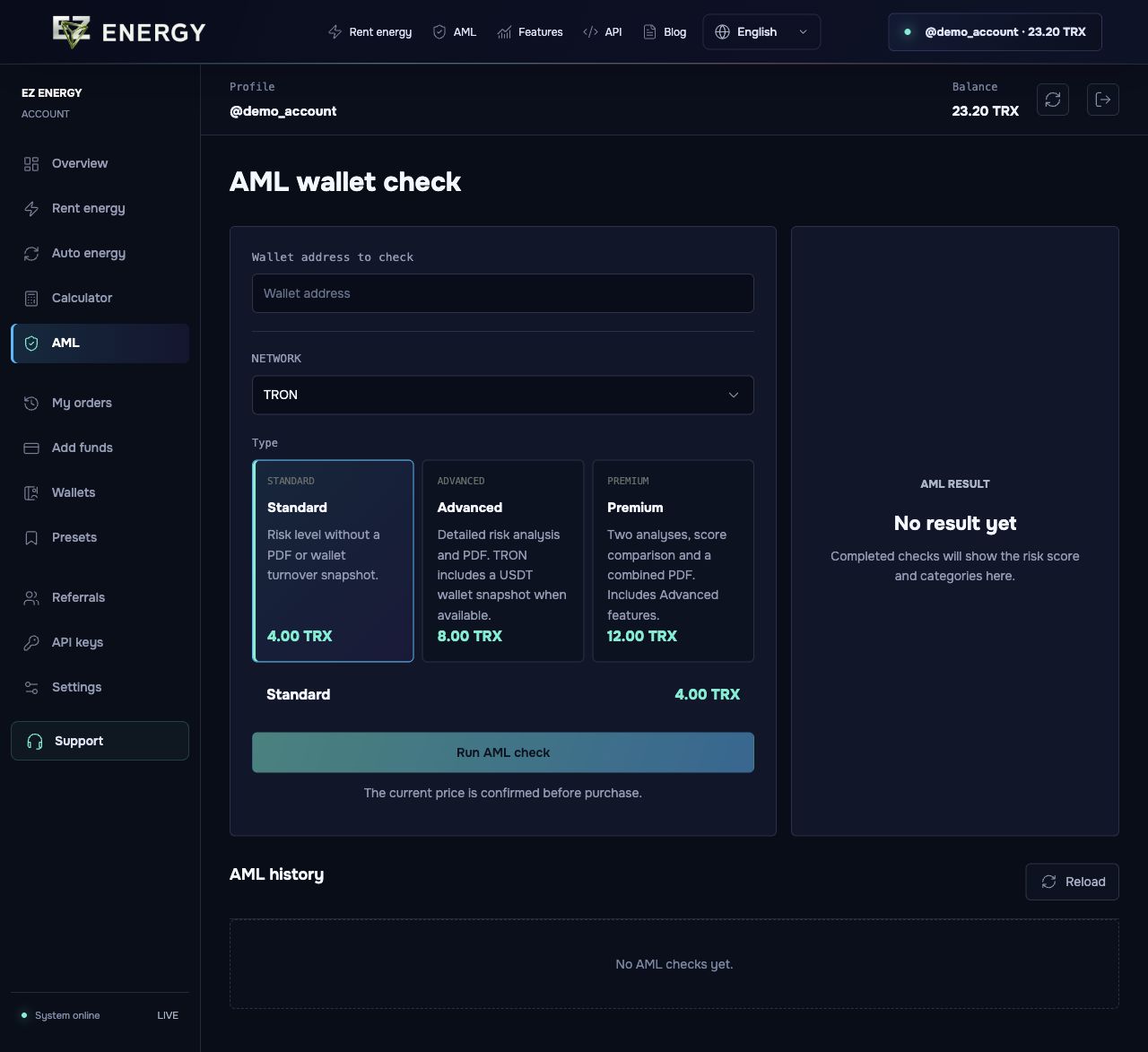
Open EZ Energy AML screening, select TRON, paste the full public address and review the price before confirming. An address check does not need a private key, recovery phrase or wallet connection.
Distinguish a direct match on the address from indirect exposure through another address. For indirect links, review the date, transfer direction and type of service where available. A score alone cannot establish the source of a specific payment.
3. Keep a record and decide what to do
Pause if a material alert is unclear and ask the counterparty or receiving platform for clarification. Keep the address, chain, timestamp and report, plus the transaction hash if the funds have already moved.
A missing label is not proof of ownership, complete provenance or compliance. Address intelligence can change as new information becomes available.
FAQ
Does an AML check change anything on the wallet?
No. Screening a public address does not require a signature or access to the wallet.
Does a low score guarantee that an exchange will credit the deposit?
No. Receiving platforms have their own policies and data sources, and the findings can change.
Sources
Technical facts are checked against official TRON documentation. Resource use can change with network and contract state.
OFAC: searching for a digital currency address ↗OFAC: scope of listed addresses ↗TRONSCAN ↗