Build a batch
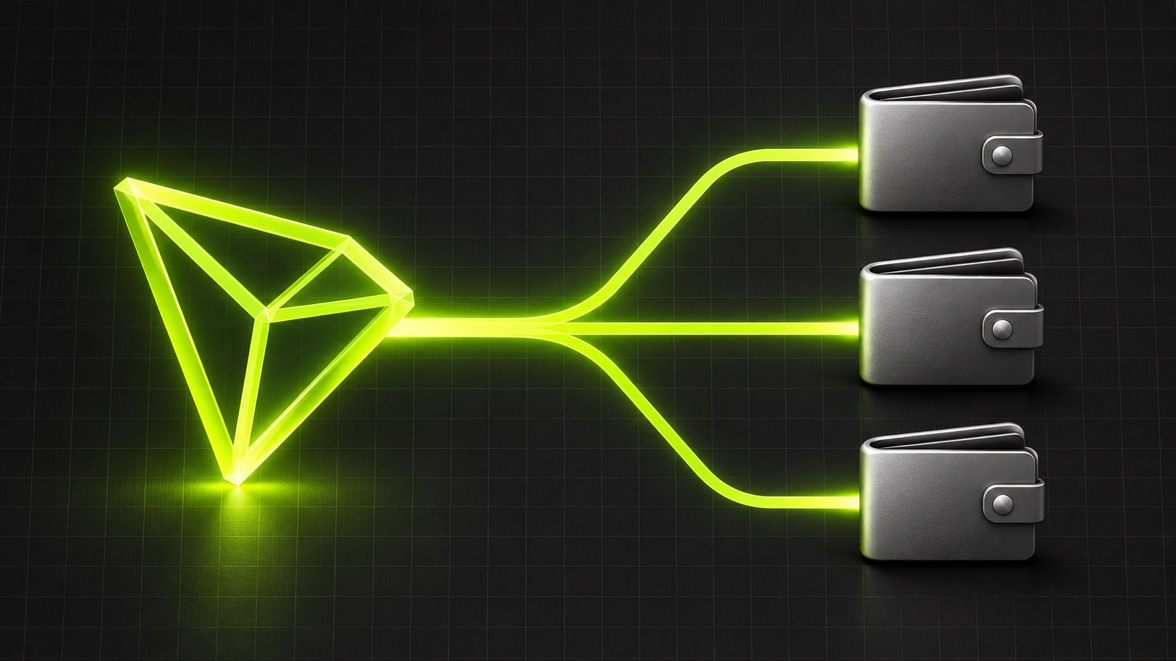
Open batch rental, paste the address list and choose the amount of Energy per wallet. Review the addresses and combined total before paying. Split wallets into separate batches if they need different amounts.
Build a batch→Check each deliveryA batch rents Energy for your sending addresses. It does not transfer USDT on your behalf.
Check each delivery
Review each address separately. If a batch was partially fulfilled, check its statuses before retrying so you do not duplicate a completed order.
FAQ
Which addresses belong in the batch?
Use activated wallets that will send USDT, not the wallets receiving the tokens.
Sources
Technical facts are checked against official TRON documentation. Resource use can change with network and contract state.
TRON documentation ↗